
Bulk Background Remover
Select several photos and get transparent PNG cutouts in one ZIP with this free bulk background remover. It runs in your browser: no sign-up, no upload.
Or drop files here, or paste with Ctrl+V
PNG, JPG or WebP, up to 25 MB
100% private:On-Device
Try with an example

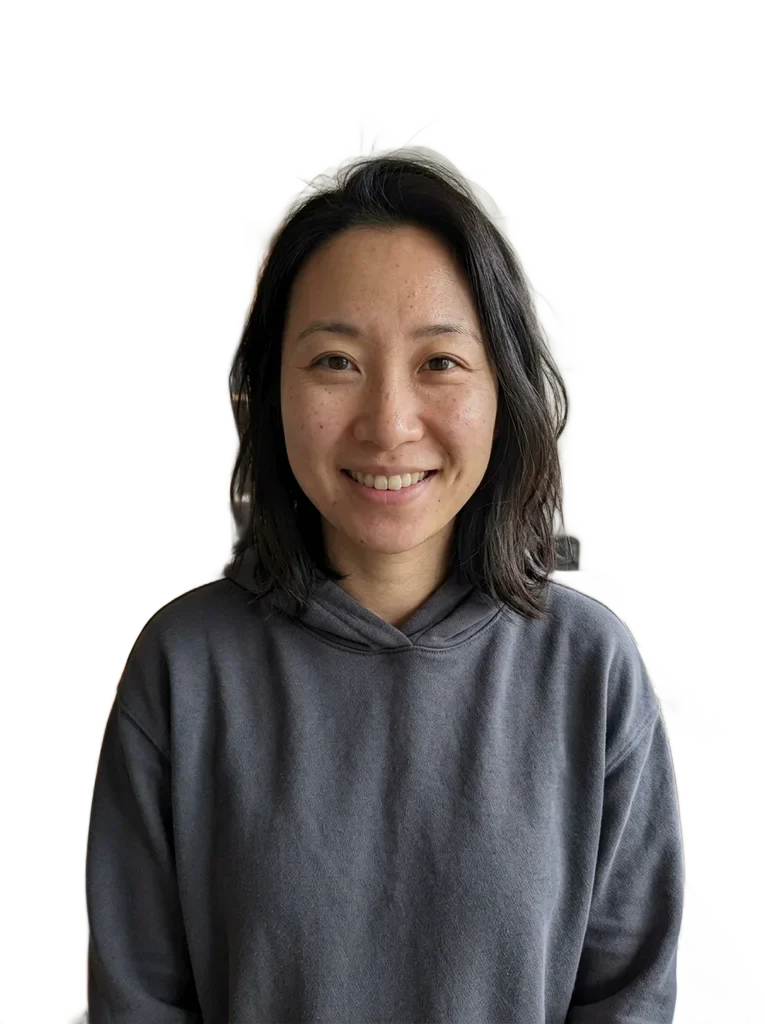 OriginalRemoved
Examples
OriginalRemoved
 OriginalRemoved
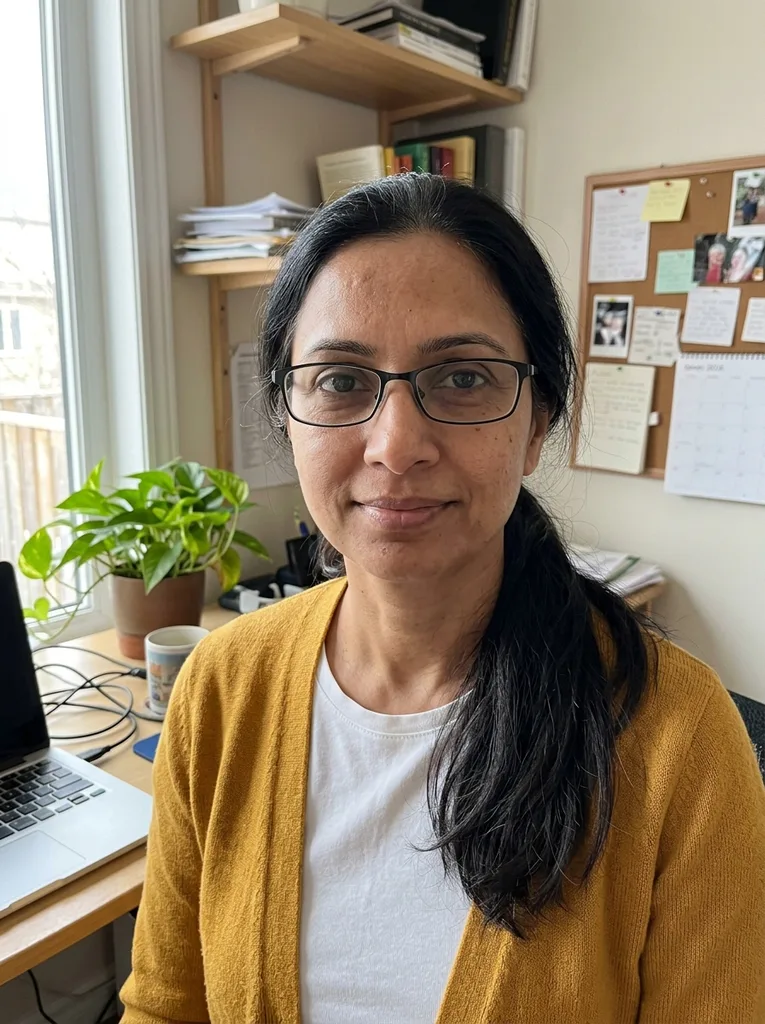
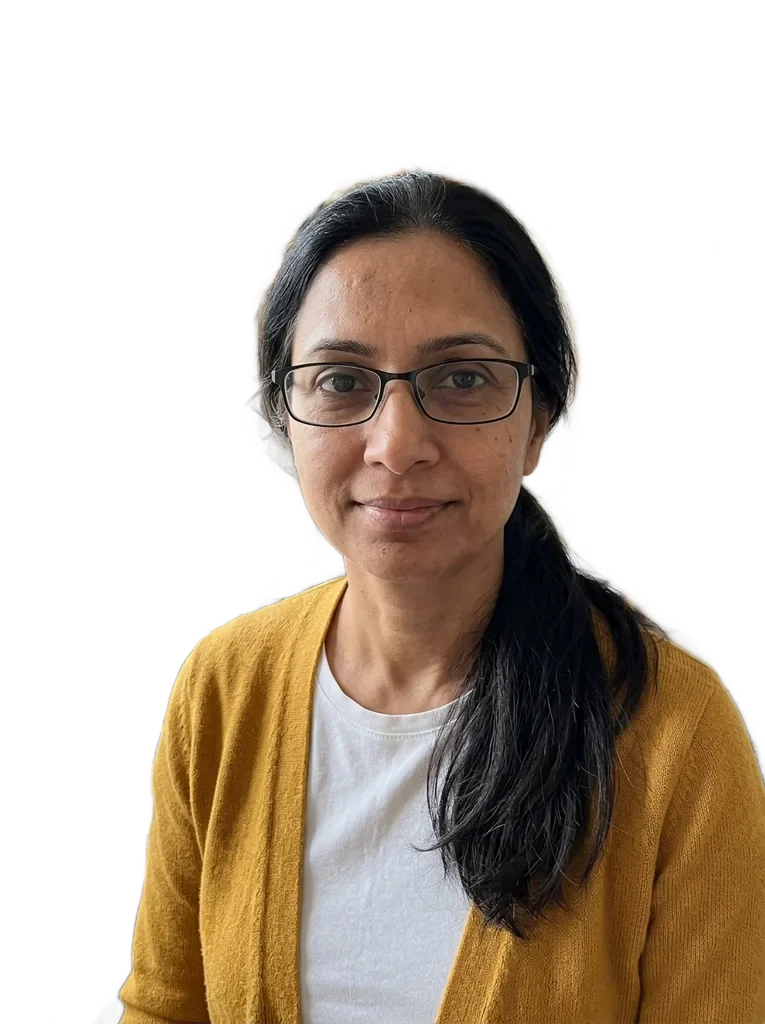 OriginalRemoved

 OriginalRemoved
How to bulk remove background from many photos
For a product catalog, a team page or a folder of event portraits.
- 1
Add the whole batch
Click Upload Images and select every file, drag the files onto the drop zone, or paste from the clipboard. Dropping a folder adds nothing, so select the image files themselves. PNG, JPG and WebP up to 25 MB each. Add more later with Add images.
- 2
Let the queue run
Photos are processed one after another on your device, in the order you added them, so nothing waits on a server queue. Each shows its status, and one that fails does not stop the rest.
- 3
Pick a background for all of them
Choose Transparent, White, Black, Blur original or any custom color. The choice applies to every cutout you download, and you can switch it without processing again.
- 4
Check a few, then download
Click thumbnails in the strip and use the Original, Removed and Compare views to spot-check hair, fur and edges. Download PNG saves the open image. Download all as ZIP appears once two or more are done.
Before you remove backgrounds from a big batch
Five minutes of prep saves a second pass with any bulk background remover.
- Run your two or three hardest photos first, such as the busiest background or a subject close to its backdrop color.
- Choose the final background before you download, because that color is used for the whole ZIP.
- Pick white or a custom color for marketplace and ID-photo forms, and keep Transparent for cutouts you will place on your own designs.
- Name files first: each cutout keeps its name plus no-background (or blurred-background with Blur original), so SKUs and people stay matched. In the ZIP a repeated name gets a number.
- Convert HEIC photos to JPG before you add them, since only PNG, JPG and WebP are accepted.
- Keep your originals: the bulk background remover never changes them and creates separate PNG downloads.
- Split a very large job into sets of up to 50 images.
What a free batch costs, keeps and misses
Free, with no key or watermark
Nothing runs on our servers, so there is no per-image credit, no sign-up and no watermark. Downloading two or more at once needs nothing extra.
Your photos stay on your device
Your picture is processed in your browser and never uploaded to our servers. The model and the engine files are downloaded once from our storage and a public script host, and no picture data goes to either.
It can miss on hard scenes
Busy scenes, several subjects and low contrast can keep or cut the wrong parts. There is no manual brush to repair a cutout, so use Compare on each batch and rerun a better photo for any that misses.
Output is PNG, same size
Each PNG keeps the photo's pixel size. There is no JPG or WebP export and no shadows. Single hairs on large photos may look softer.