
Cut Out Image
Cut out image subjects in your browser and save a transparent PNG. Free, no sign-up, and the picture stays on your device.
Or drop a file here, or paste with Ctrl+V
PNG, JPG or WebP, up to 25 MB
100% private:On-Device
Try with an example

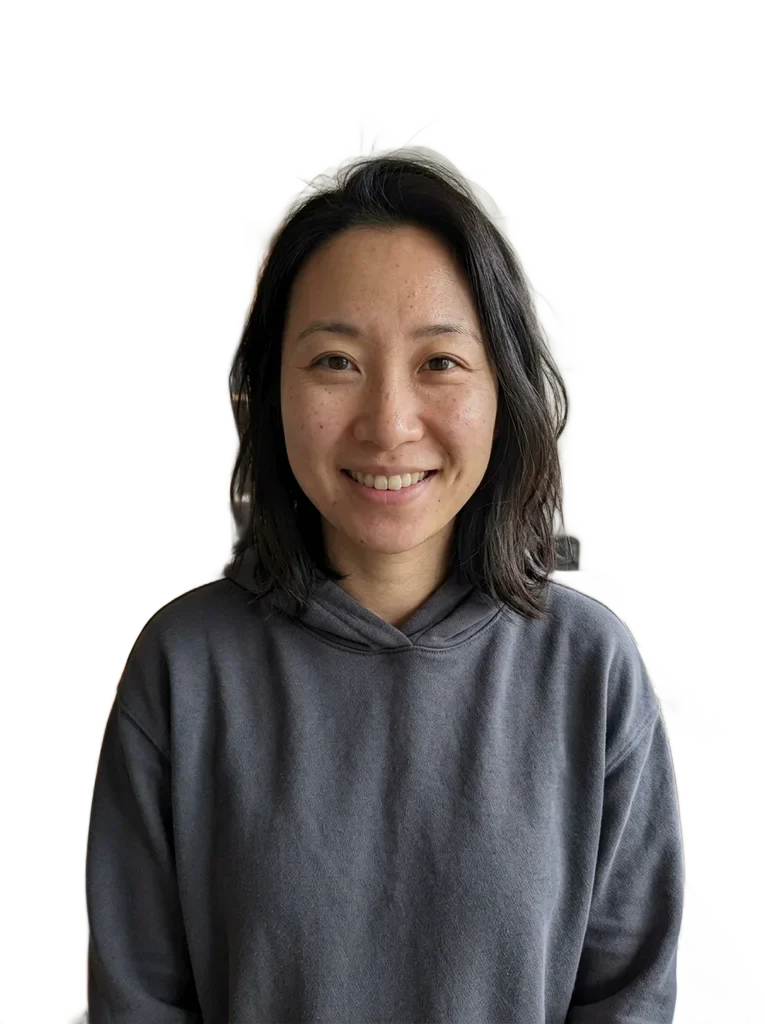 OriginalRemoved
Examples
OriginalRemoved
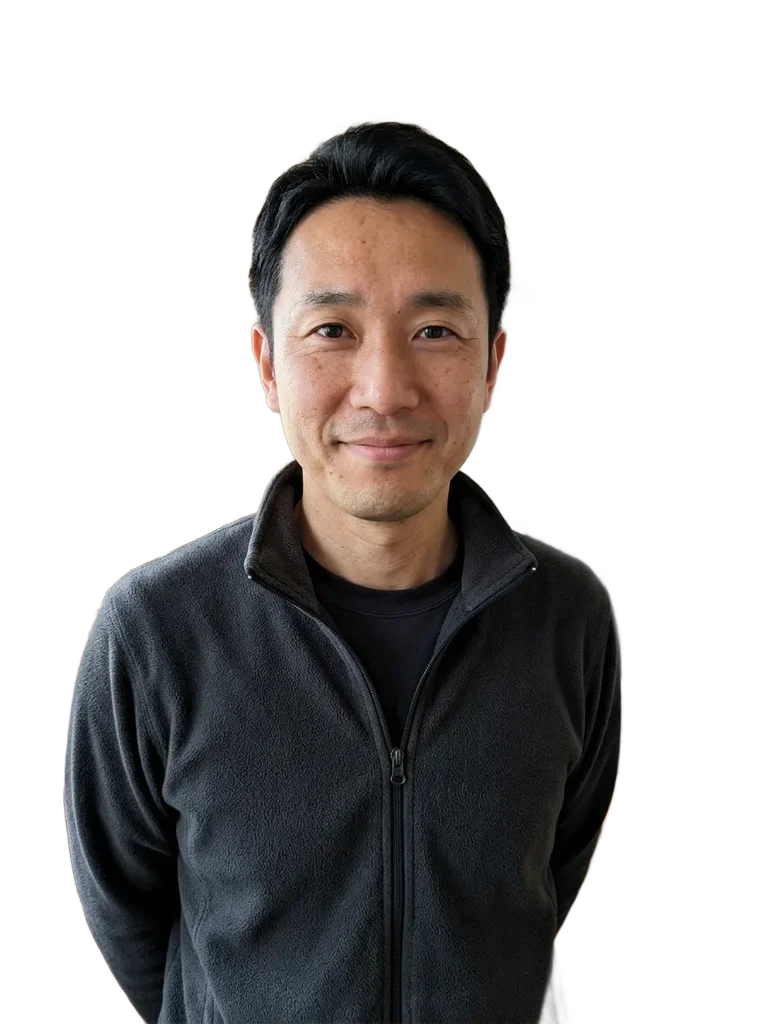 OriginalRemoved

 OriginalRemoved

 OriginalRemoved
How to cut out an image online
Cut out image files in three steps, and nothing leaves your device.
- 1
Add your picture
Upload, drop or paste a PNG, JPG or WebP up to 25 MB. You can add several pictures and they run one after another.
- 2
Check the cutout
Switch between Original, Removed and Compare. Then try Transparent, Blur original, White, Black or a custom color behind the subject.
- 3
Download the result
Save one PNG, or all of them as a ZIP. The file keeps the pixel size of your original.
What to do with a cut out image
A cut out image is a subject with no background, ready to drop into something else.
Collages and mood boards
Place a person, pet or object on any layout without a box around it. The transparent PNG sits on top of whatever you put under it.
Product shots
Cut a product out of a cluttered table, then save it on white or black for a store listing or a catalog sheet.
Slides and documents
Download the cut out image as a transparent PNG, then place it as a separate layer in your collage editor. This tool does not assemble the collage.
Profile pictures
Keep the person, swap the room for a flat color or a blurred version of your original, and download it as a PNG.
Design assets
Save the subject once, then reuse it in posters, thumbnails or a sticker sheet in your own design app.
Pets and everyday objects
Fur and thin edges held up in our WebGPU tests, so a cat or a dog is a good first try.
What cuts out well, and what does not
The model guesses the subject, so a good start picture helps.
- To cut out image subjects cleanly, use a picture where the subject is the main thing, not one of five people.
- Pick a photo with some contrast between the subject and what is behind it.
- Keep the subject fully in the frame, with room around the edges.
- Start from the largest version you have, because the PNG keeps its pixel size.
- Drag the Compare slider across hair and fine edges before you download.
- If a piece of background stays, try another photo; there is no brush to fix it by hand.
Free and private, with the limits stated
Your picture stays on your device
Your picture is processed in your browser and never uploaded to our servers. The model and engine files download once from our storage and a public code host, and no picture data goes with them.
Free, no sign-up, no watermark
You do not need an account to cut out an image, and the PNG has no mark on it. Nothing runs on our servers, so there is no credit counter to run out.
Speed we measured
On a recent laptop with WebGPU, an image took a fraction of a second after the model loaded, and about a second or two without it.
Known limits
Busy scenes, several subjects and low contrast can keep or cut the wrong parts. The mask is made at 1024 by 1024 and scaled up, so single hairs on a large picture look softer. Output is PNG only.